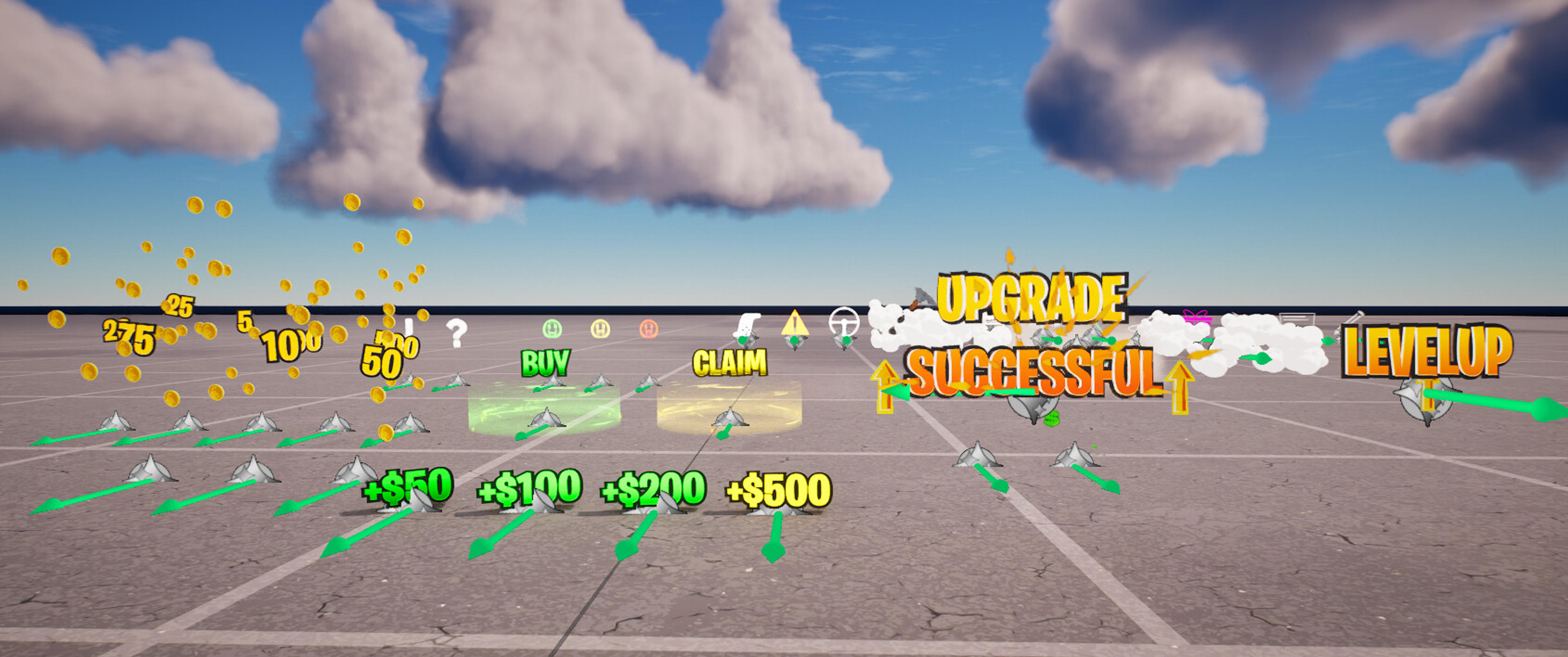
Slowmotion vfx winlines
The same lines as you get when you make a victory royale
Description
Installation Instructions
1. Extract the folder in your content browser path 2. Then open your map, if you have a new resources message, click on "Yes, I validate these resources" 3. Open the "Swaglines Devices" text file, copy paste all the text in your map Move the devices towards you to setup easier 4. If it's not already done automatically, go to the cinematic sequencer device and in the sequence to use you put "Slowmotion" 5. Also check in the VFX generator if there is the "custom effect" parameters activated and in the box just above choose "winlines 6. Then all you have to do is connect your devices to your targets or an elim manager and that's it. If you're making a trickshot course, wait for the tp to take place at the end of the cinematic sequence scene, start a one-second timer which is activated at the end of the slowmotion sequence, set the timer to players only if you want several players on your map, and at the end of the timer you make it teleport you to the next level (so you replace the target with the timer that's all) 7. If there's any errors while launching the sessions just click "Run fix up" and it should automatically validate Everything is explained step by step in this tutorial : https://youtu.be/j3S3gesp_U4?si=L049MTdex3a4j8KX
UEFN Validation Status
Validates in UEFN
Verified to validate correctly in UEFN.