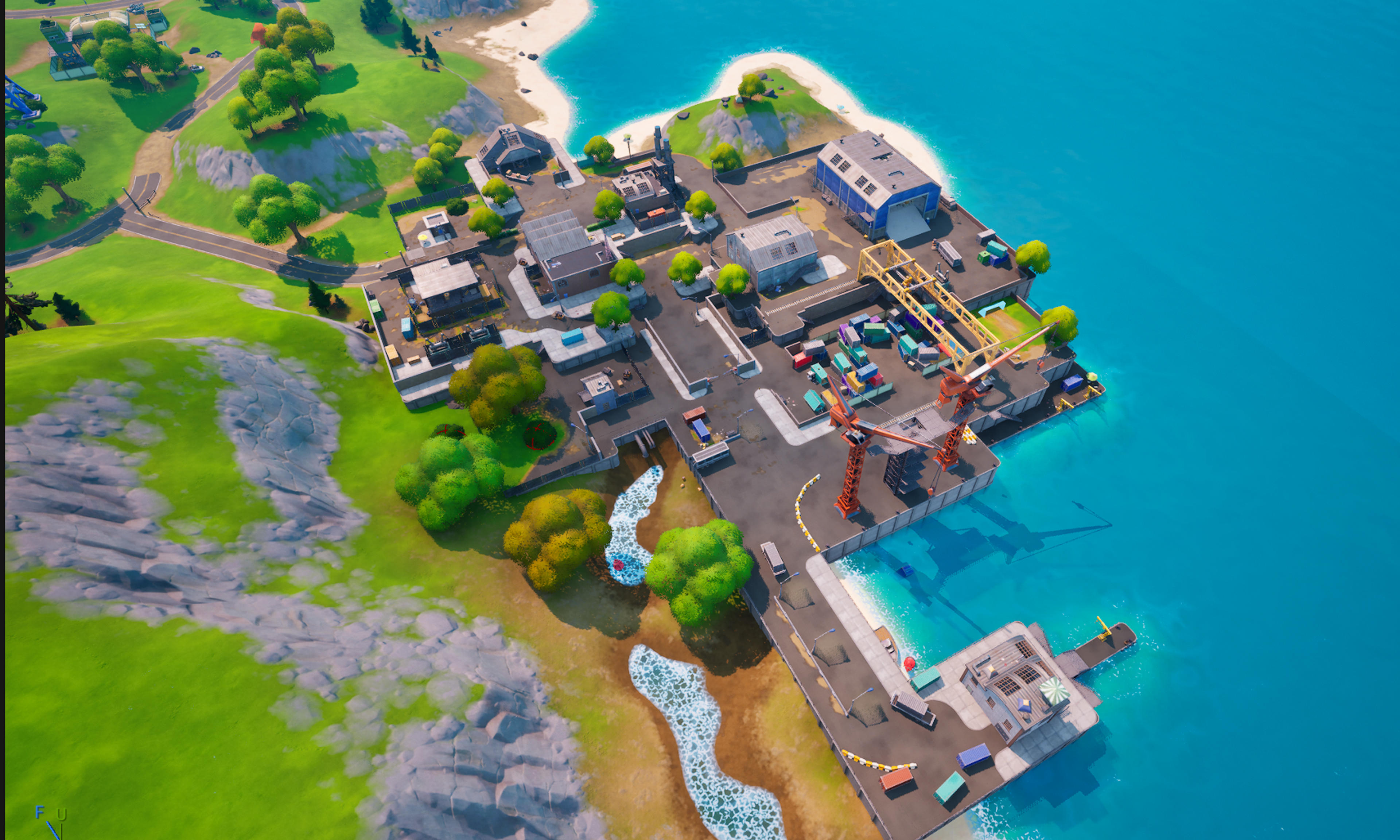
Frenzy Fields POI txt and Custom Prefabs
Entire Frenzy Fields POI. This file includes only the main TXT files. Before we can start, you will need my Farm Assets in your content folder like this ".../content/Asteria_Far...
Description
Installation Instructions
PLEASE READ: You need my farm pack before you can do anything first. I have It under my profile on this site. Remember, keep it in your content folder, not any sub folders, everything must remain exactly the way it is. Once you have that, you must now edit which ever txt file you wish to use by following these instructions. Open the txt file, press "control" + "H". Once the "replace" menu pops up, put "FrenzyFields" in the upper, then put {your project's file name} in the bottom box. What you are doing is replacing any references to my project with yours. This ensures that the custom props and assets paste correctly. Once Everything is properly replaced, select all ("control" + "A"), open your project, and paste. If you have followed everything correctly, you should now have Frenzy Fields.
UEFN Validation Status
Validates in UEFN
Verified to validate correctly in UEFN.
![Artemis Road TXT File [CH3 S4]](https://ik.imagekit.io/fortforge/thumbnails/856a403b-013c-48ab-bb66-40453a12c6be/1768141192195.png?tr=w-3840%2Cq-75)