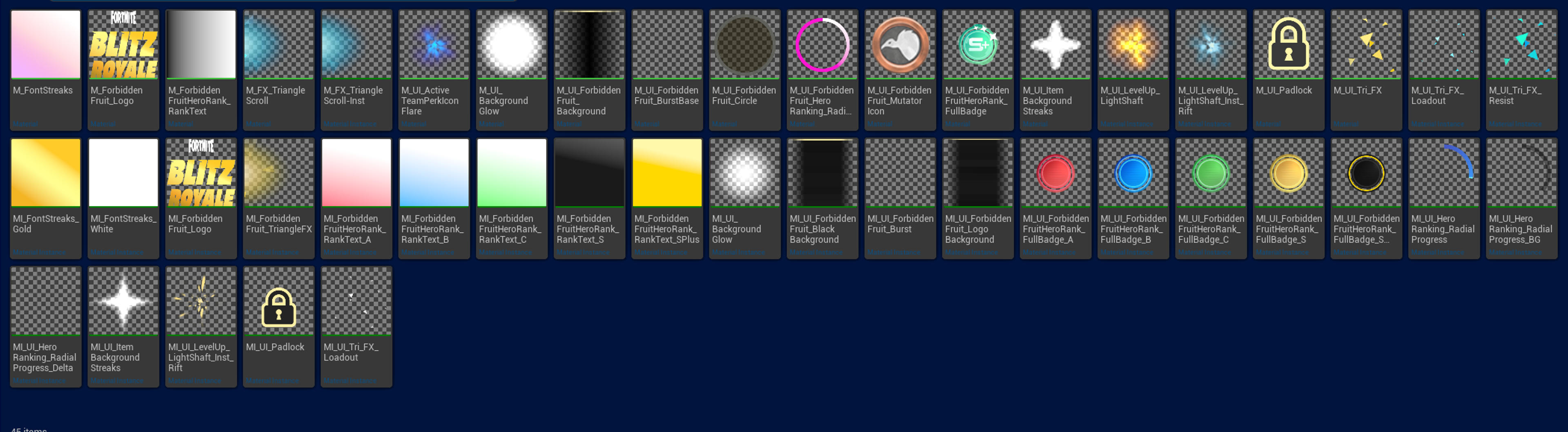
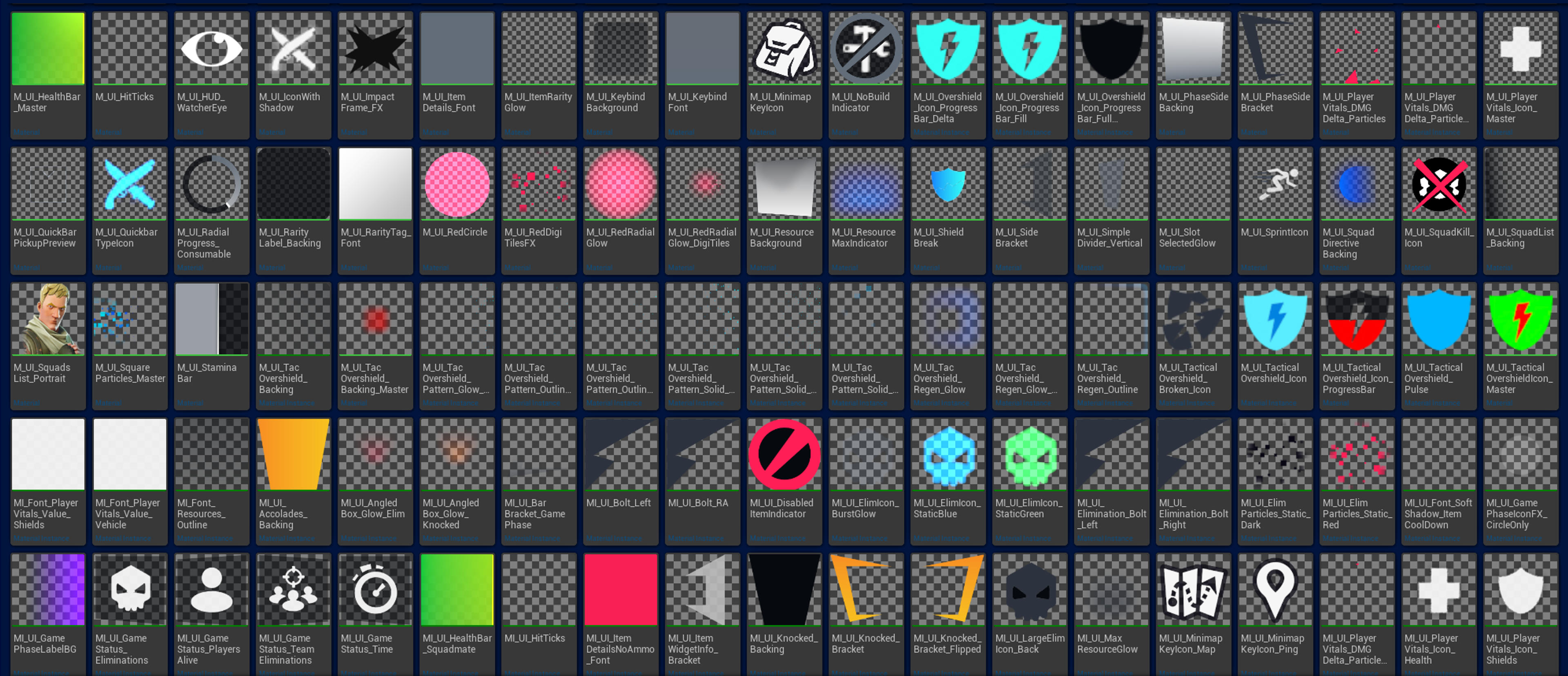
Ch2 inspired UI Template/Progress Bar Materials
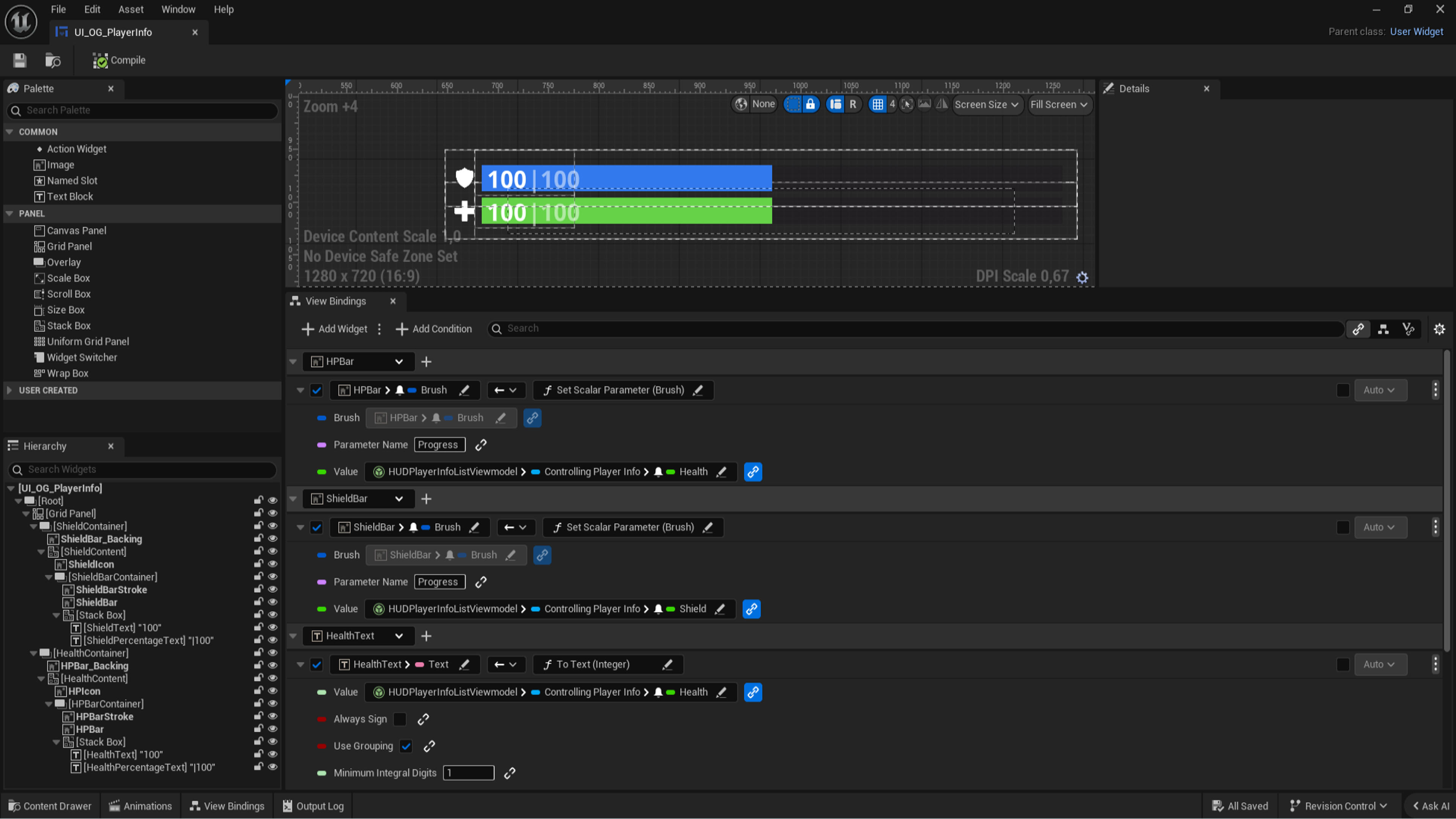
Here's some UI widgets i made a while back that are inspired by the chapter 2 UI! It comes with 3 Widget Blueprints! The player UI has a working Compass, DBNO function, and stat...
Description
Installation Instructions
1. Download and extract "Ch2HealthBar.zip" 2. Open your project in uefn, and find the folder you want to store this in, Usually content or materials 3. Right click on the chosen destination and click "Show in explorer" to bring up the windows file explorer 4. Copy and paste the extracted folder ( make sure there's no .zip ) into uefn, it should automatically appear in your content drawer. 5. make sure all the assets appear. then place a HUD controller into your level, and assign it the custom "Leto_player_UI_Default" Ui widget, you may need to hide the health and shield stuff in the device settings.
UEFN Validation Status
Validates in UEFN
Verified to validate correctly in UEFN.