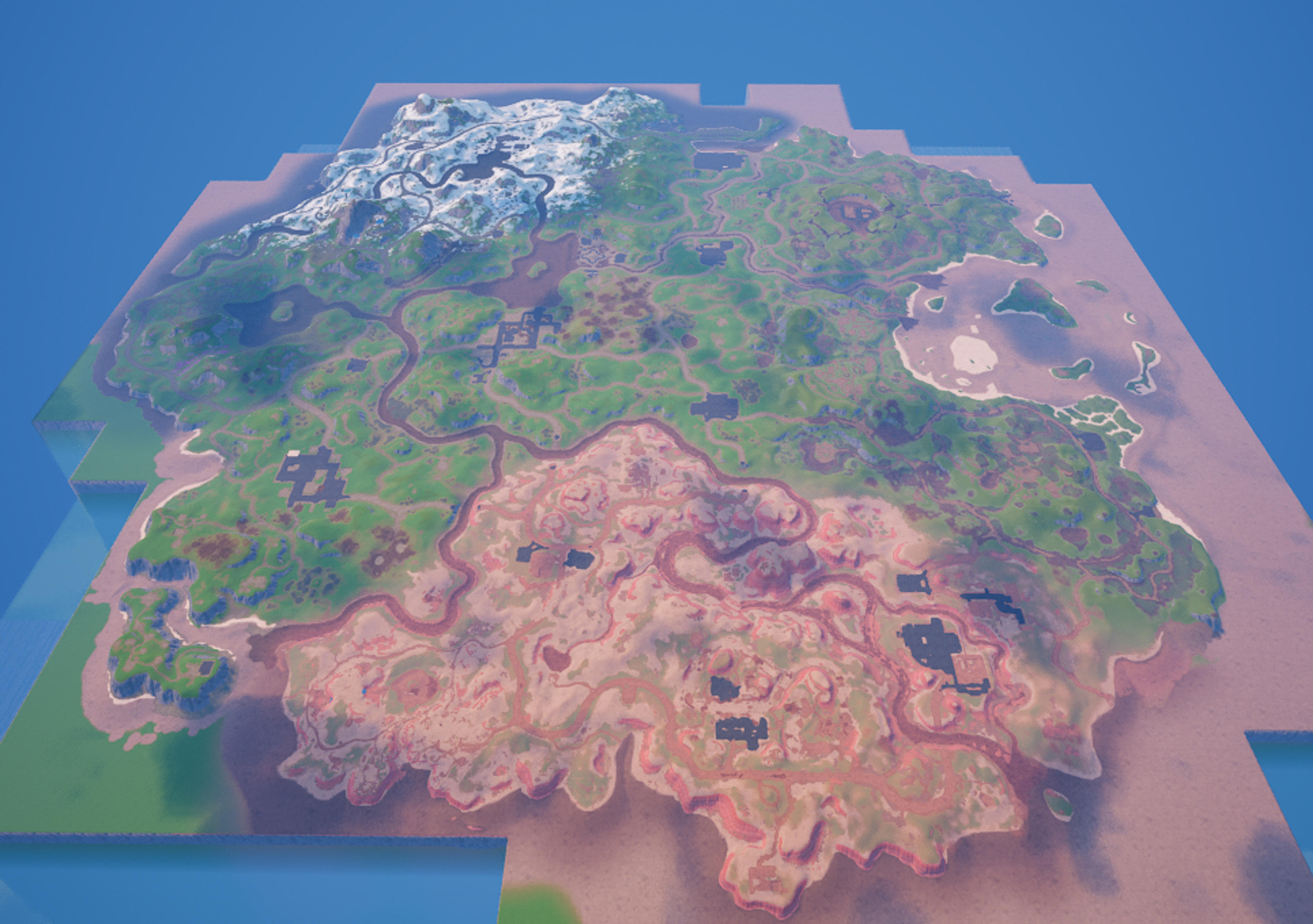
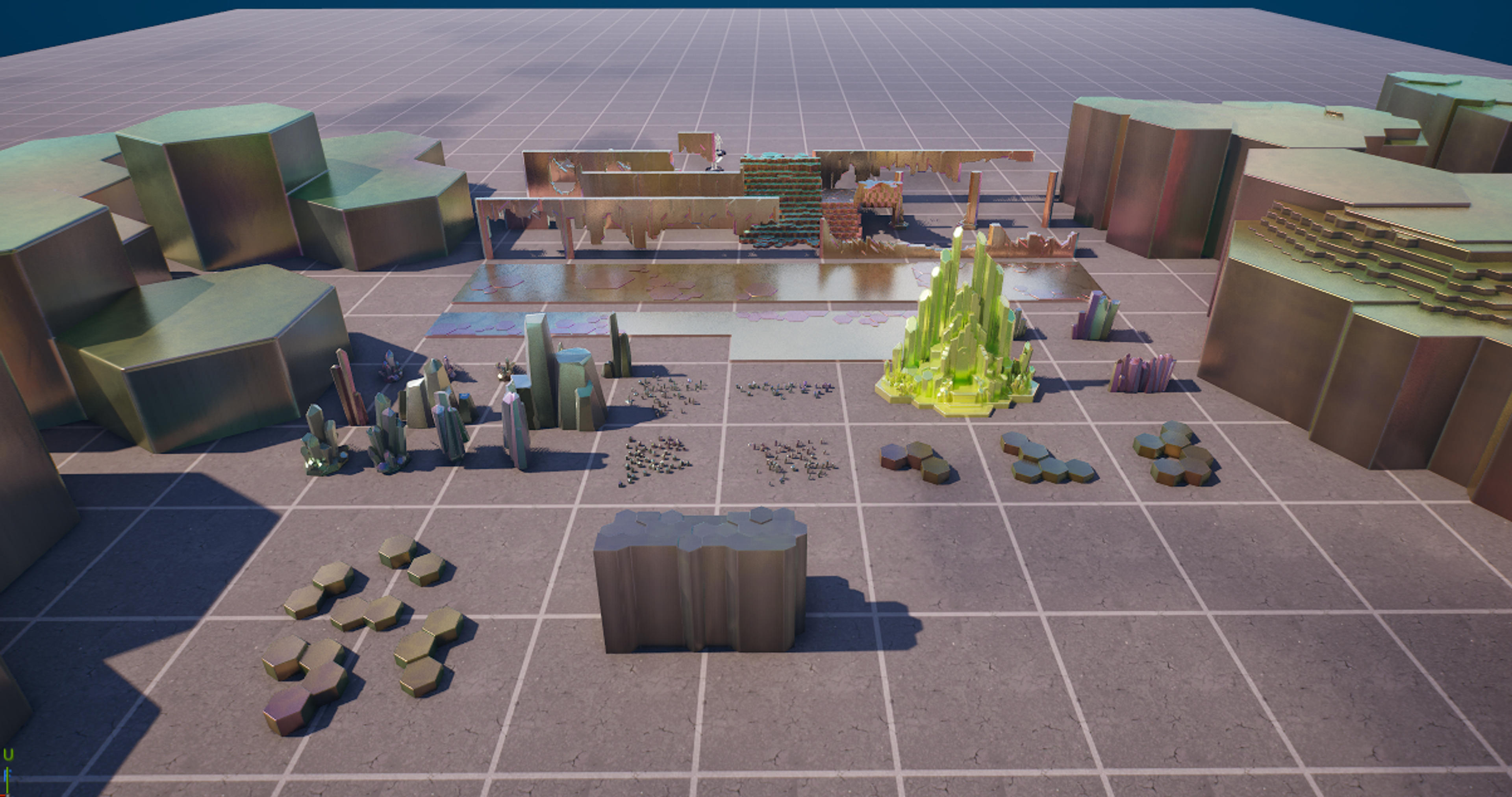
Coney Crossroads POI and Custom Prefabs With Assets
Note: This file has three main parts: the file named "ConeyAssets" is the imported assets, the file named "TXT Files" is a collection of Coney Crossroads TXT files, and the file...
Description
Installation Instructions
Just like my previous frenzy fields POI txt prefabs, you will need to follow these directions very closely. If you do not wish to import the required assets, you are free to do so as this POI shares mostly validated content. If you choose to that, simply copy and paste like normal into your project. If you wish to have your POI fully accurate, please continue reading these directions. First, you will need to paste the file named "ConeyAssets" into your content folder. No subfolders, this wont work if do not do this. Then, open whichever txt file you wish to use. For it to paste properly, you must replace all references to my project with yours. Replace all references of "ConeyCrossroads" with "{insert your project's file name}". Open your project, then paste. If you have any issues, please feel free to reach out, and I can try to help
UEFN Validation Status
Validates in UEFN
Verified to validate correctly in UEFN.