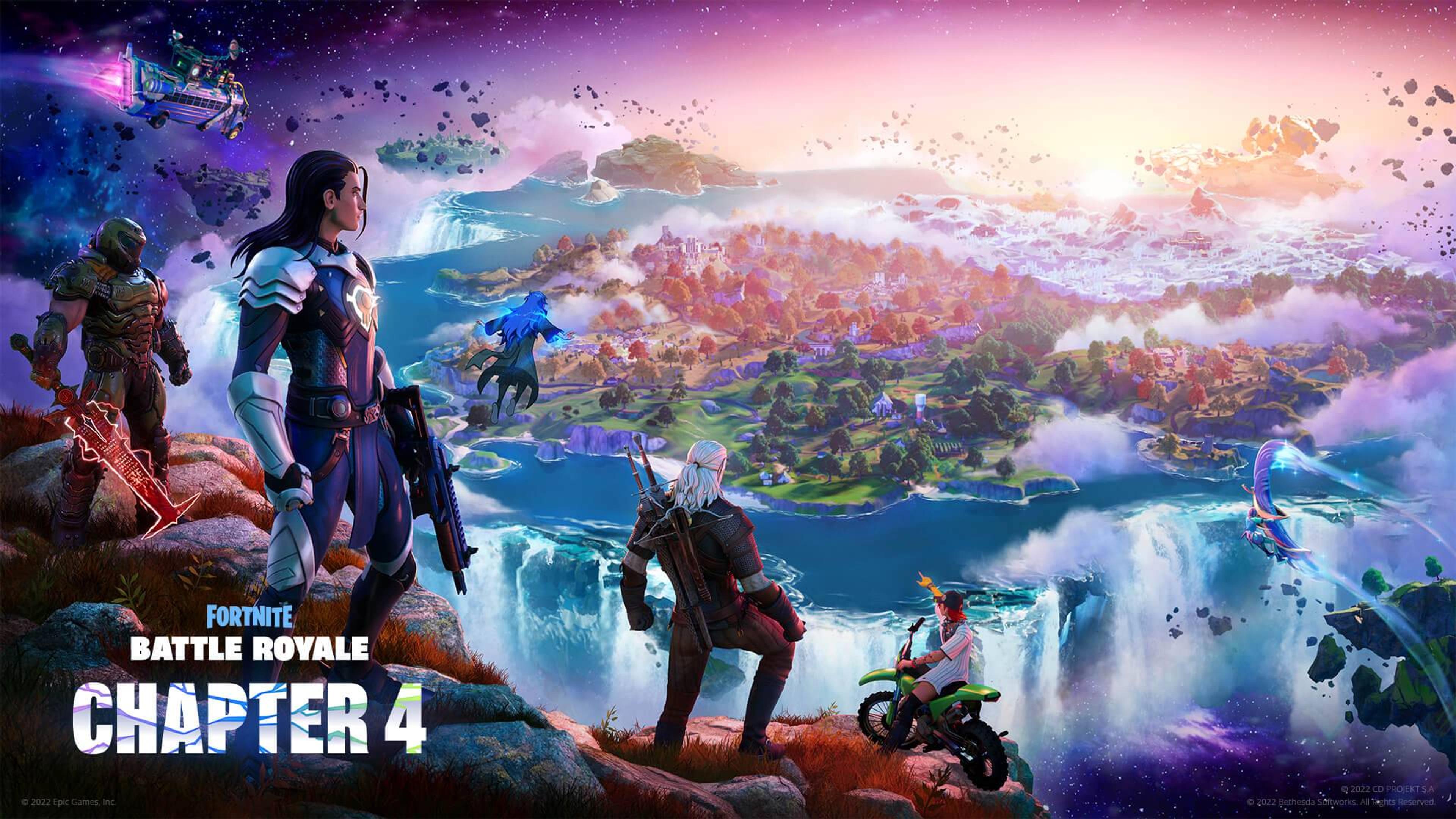
v24.20 Landscape Materials + Heightmaps
Chapter 4 Season 2 Landscape Materials + Heightmaps
Description
Installation Instructions
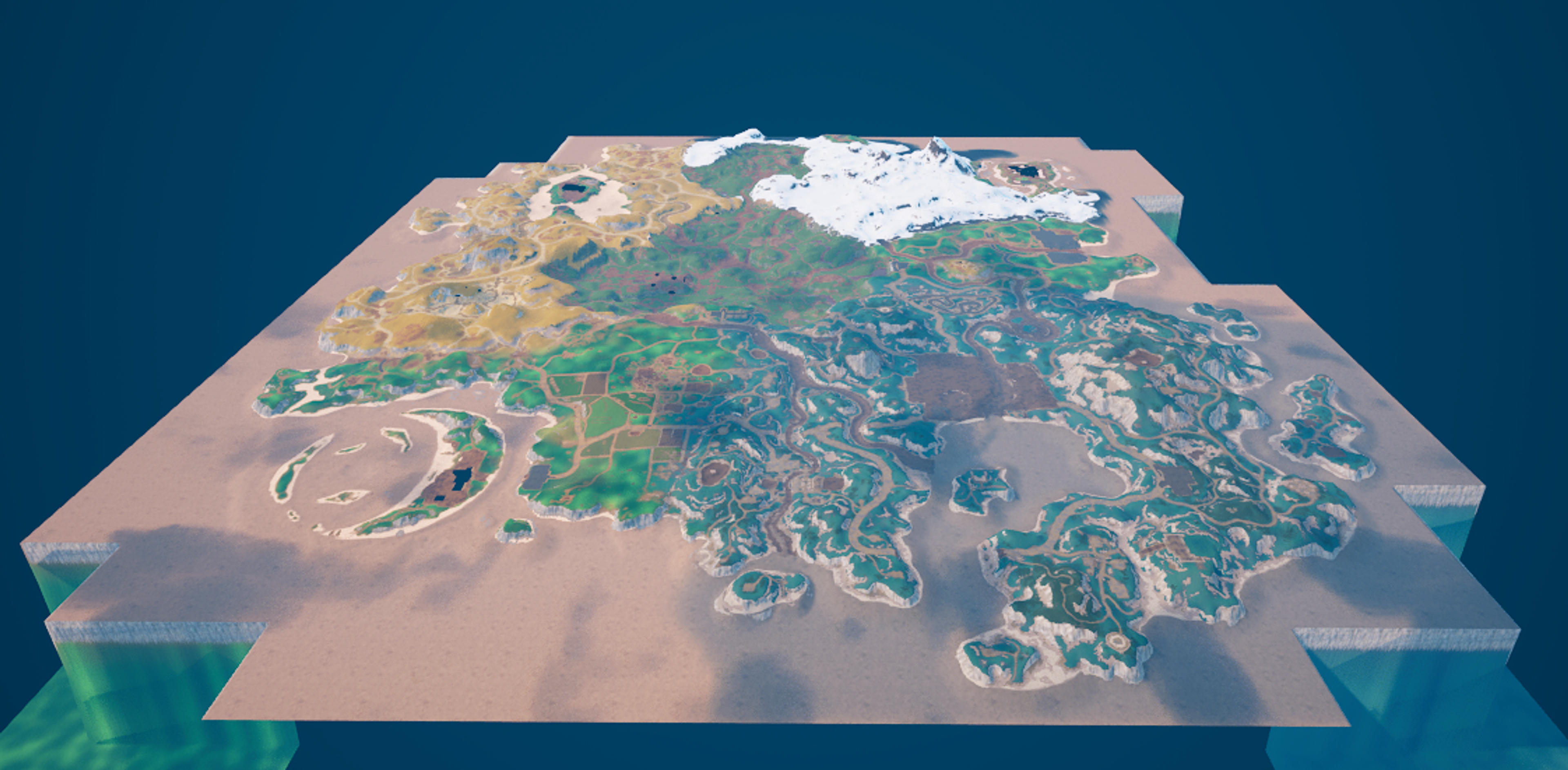
1. Unzip "Landscape_v24_20.zip". 2. Drag the "LandscapeMaterials" folder to your project content folder in File Explorer, or, if you unzipped there, drag "AdditionalResources" to a different location. 3. In Landscape mode, click new -> import, and import the main island heightmap from "additional resources" 4. Assign "MI_Asteria_Common_Inst" as your material. 5. Assign the correct Layer-Weight textures to their corresponding slots in the Landscape tab. 6. Set world partition grid size to 1, and your landscape scale to 128, 128, 100. 7. Build the landscape. 8. Key Materials - Using Highlight colors in "v24.20 Material Key.png" Green - MI_Asteria_Farm_Inst Yellow - MI_Asteria_Quarry_Inst Blue - MI_Asteria_Tundra_Inst
UEFN Validation Status
Validates in UEFN
Verified to validate correctly in UEFN.
Project Size
21% (85.8 / 400 MB)
Estimated project scope